التكامل السريع باستخدام نص التضمين من ZJGet
استخدم الكود التالي إذا كنت تريد تضمين فيديو محمي دون تخصيص واجهة المشغل أو منطق التشغيل.
<div id="ZJGet_Video_URL" style="display: none;">https://www.drm-x.com/download/drmx5/HolyForever-ChrisTomlin_P.mp4</div>
<script type="text/javascript" src="https://www.zjget.com/assets/embed_js/embed_zjget.js"></script>
<script type="text/javascript" src="https://www.zjget.com/assets/videojs-8.23.3/video.min.js"></script>
<script type="text/javascript" src="https://www.zjget.com/assets/embed_js/zjget.js"></script>
إذا كنت بحاجة إلى تعديل المشغل، فيرجى الرجوع إلى المقدمة التالية.
مشغل مخصص باستخدام Video.js
استخدم Video.js و JavaScript إذا كنت تريد تخصيص واجهة المشغل أو عناصر التحكم في التشغيل أو عملية الحصول على الترخيص.
تضمين Video.js في قسم head
<!--Include VideoJS library-->
<link rel="stylesheet" type="text/css" href="css/video-js.css" />
<script src="js/video.js" type="text/javascript" charset="utf-8"></script>

<!--Using VideoJS skin-->
<link rel="stylesheet" type="text/css" href="css/skin/TechSkin-skin.css" />
يمكنك أيضًا استخدام التصميم الآخر وفقًا لنمط موقعك الإلكتروني.
نوصي هنا بأداة إنشاء واجهات مستخدم VideoJS، حيث يمكنك تخصيص واجهة المشغل. https://codepen.io/heff/pen/EarCt
دعم التشغيل على iOS
ملحوظة: بالنسبة لنظام iOS، يُرجى إضافة عنصر div يحمل المعرّف zjget_ios_media_url ثم إخفاء هذا العنصر، وكتابة رابط الفيديو داخله. سيتعرف ZJGet تلقائيًا على الوسم، وسيسأل المستخدم عما إذا كان يرغب في تشغيل الفيديو. على سبيل المثال:
<div id="zjget_ios_media_url" style="display: none;">https://www.drm-x.com/download/drmx5/HolyForever-ChrisTomlin_P.mp4</div>
متطلبات عنوان URL للفيديو على iOS
إذا كنت ترغب في أن يتمكن عملاؤك من تشغيل مقاطع الفيديو الخاصة بك على نظام iOS، فيجب أن يتضمن الرابط الخصائص التالية، مع إضافة اللاحقة _P. على سبيل المثال، يجب أن يحتوي الرابط على _P.mp4 أو _P.webm أو _P.mp3، بغض النظر عن حالة الأحرف. أو يجب أن يحتوي على zjget. يمكنك تضمين إحدى هذه الخصائص في أي مكان في رابط التنزيل، وسيتعرف عليها ZJGet لنظام iOS ويدعم التنزيلات.
<div id="LoadingText" style="display: none;" align="center">
  Please wait, connecting to obtain license page...
</div>
<div id="cellular_button" align="center"></div>
<div align="center">
  <script type="text/javascript">
    // Detecting current browser, if not ZJGet, It Will remind the user to open the protected files in ZJGet browser,
    // and remind the user to download ZJGet browser.
    if(navigator.userAgent.indexOf("ZJGet") == -1){
      document.write('Please open the protected files in ZJGet browser. Download ZJGet');
    }else{
      // Use HTML5 video tag;
      // ZJGet will automatically change the video tag's ID,
      // here zjget_player will automatically become zjget_player_html5_api;
      // Use src attribute specifies video URL;
      // class="video-js" using VideoJS style.
      // In data-setup, use "autoplay":true; add auto play control;
      // In data-setup, you can use "playbackRates": [0.5, 0.7, 1, 1.5, 2, 3, 4] add control speed function.;
      document.write('<'video id="zjget_player" controls="controls" class="video-js" data-setup=\' {"playbackRates": [0.5, 0.7, 1, 1.2, 1.5, 2], "autoplay":false, "width": 856, "height": 480 }\'><'source src="https://www.drm-x.com/download/drmx5/HolyForever-ChrisTomlin_P.mp4" type="video/mp4"></video>);
    }
  </script>
</div>
كود جافا سكريبت:
<script type="text/javascript">
  document.onreadystatechange = function() {
    if (document.readyState == "complete") { // After the page is complete, and execute,Required;

      // Get HTML5 player
      // ZJGet will automatically change zjget_player become zjget_player_html5_api;
      myVid=document.getElementById("zjget_player_html5_api");

      // Get detail information return by the player,

      // if user need to obtain a license, It will return a URL;

      // Otherwise, It will return the details of the protected file information and the license information.
      isSupp=myVid.canPlayType('zjget');
	// Check the mobile phone network type
      if(navigator.userAgent.indexOf("Mobile ZJGet") > 0){
		var con = window.navigator.connection;
		var network = con.type; // Mobile phone network:cellular; wifi:wifi
		// Check whether your phone is using a mobile network or wifi
		if (network == "cellular"){ // If the phone is using a mobile network, you need to add a button to get a license to the page
			document.getElementById("cellular_button").innerHTML = '<'button style="height: 50px" class="m_g_b" onClick="supportType(event,\'video/ogg\',\'theora, vorbis\')">Play Protected file (Click 2 times)'<'/button>;
		}
	  }
      // If the information contained in the return message contains URL,

      // it is required to obtain a license.
      if(isSupp.indexOf("http")>0){
        // Just a tips, non - must;
        document.getElementById("LoadingText").style.display='block';
        // Using substring to capture a URL to obtain license;
        licURL = isSupp.substring(isSupp.indexOf("http"));
        // Redirecting to obtain license page to verify and obtain license.
        window.location.href = licURL;
      }
    }
};
</script>
توفر الطريقة التالية مرجعًا للحصول على مزيد من المعلومات، بما في ذلك معلومات الترخيص (عدد مرات الفتح وتاريخ انتهاء الصلاحية)، ويمكنك الحصول على هذه المعلومات وفقًا لمتطلباتك.
function supportType(e,vidType,codType){
  myVid=document.getElementById("zjget_player_html5_api");
  isSupp=myVid.canPlayType("zjget");
  myVid.play();
  licURL = isSupp.substring(isSupp.indexOf("http"));

  if(isSupp.indexOf("http")>0){
    window.location.href = licURL;
  }else{
    if(isSupp.indexOf("License")>0){

      // Get open count
      var openCount=isSupp.substring(isSupp.indexOf(":"),isSupp.indexOf(";"));

      // Get the license expiration date
      var ft=isSupp.substring(isSupp.indexOf(";")+1);
      var ut = filetime_to_unixtime(ft);
      var d = new Date(ut * 1000);
      e.target.parentNode.innerHTML ="Open Count" + openCount + ", Expiration date:" + d.toLocaleString();
      return;
    }

    if(isSupp.indexOf("Error ID = 3")>0){
      e.target.parentNode.innerHTML ="License is expired, Please Re open the protected file to obtain a new license.";
      return;
    }
  }
}



 فيديو مقدمة DRM-X 5.0
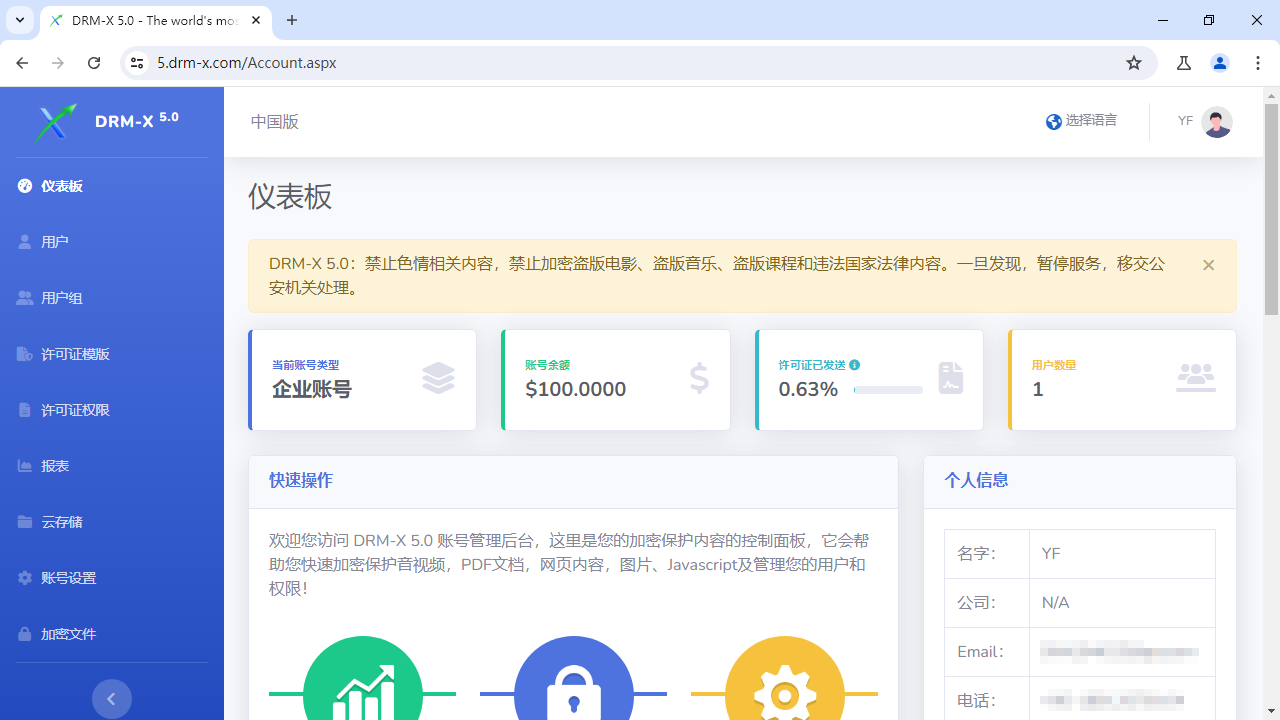 كيفية حماية مقاطع الفيديو باستخدام DRM-X 5.0 ZJGet لنظام Windows
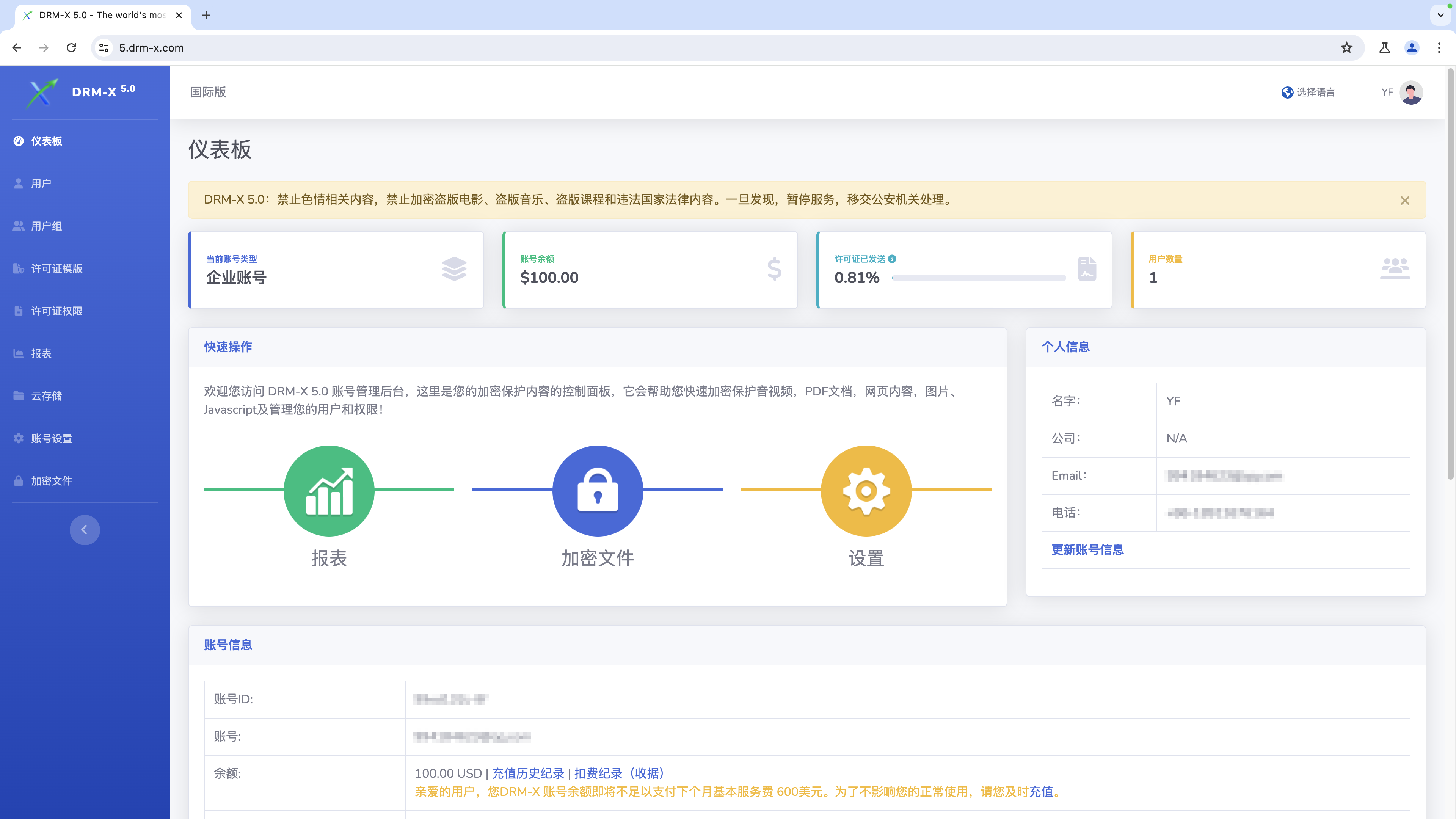 كيفية حماية مقاطع الفيديو باستخدام DRM-X 5.0 ZJGet لنظام macOS
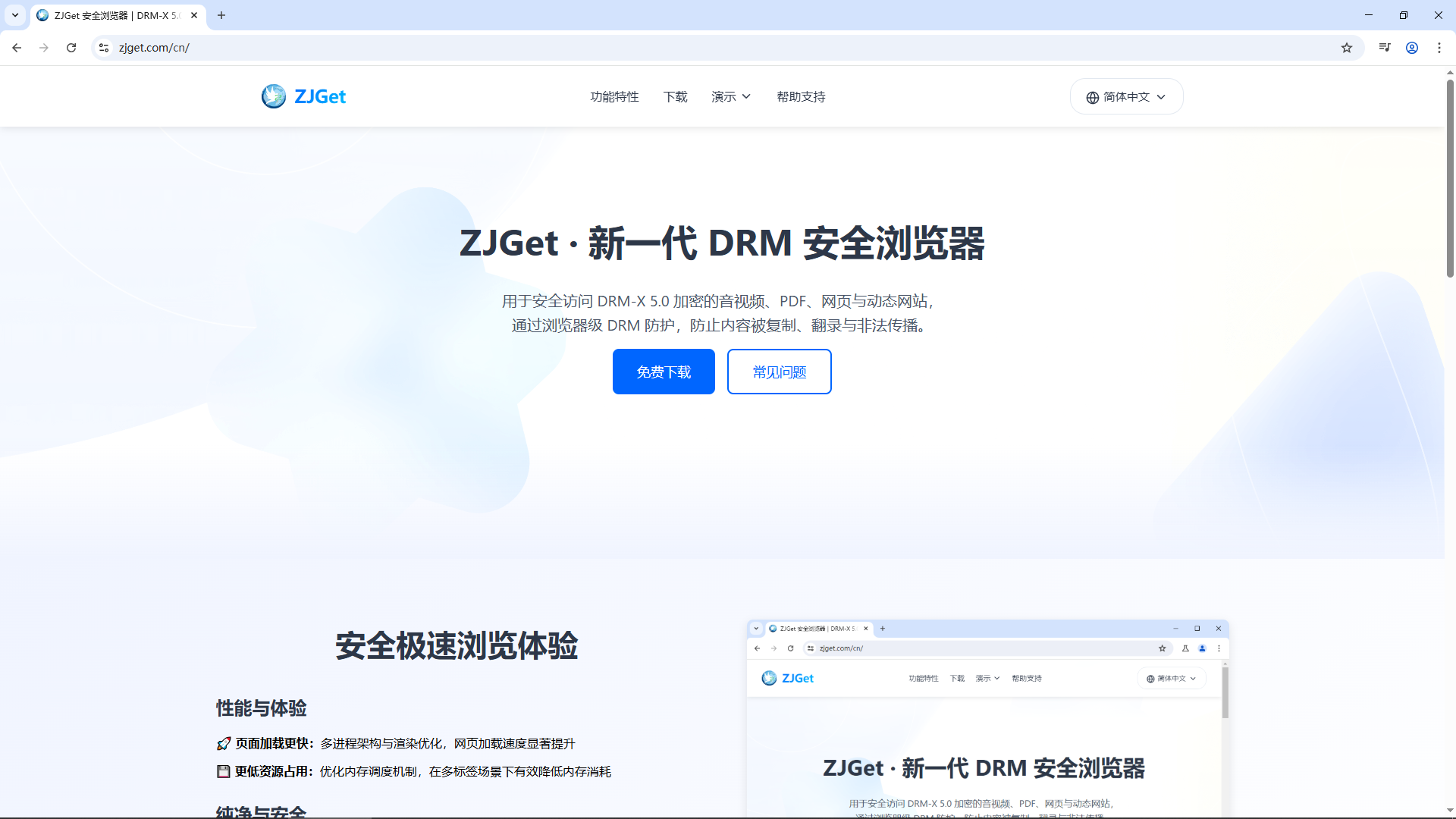 البدء مع DRM-X 5.0 ZJGet لنظام Windows