

How to embed HTML5 DRM Video player code in Wordpress for Xvast?
DRM Video Encryption Workflow
How to embed HTML5 DRM Video player code in Wordpress for Xvast?
To embed Xvast's HTML5 DRM video player in Wordpress, you just need to add some code.
If you don't need to deeply modify the player, please use the code below to embed the video.
VideoJS Player:
<div id="Xvast_Video_URL" style="display: none;">https://www.drm-x.com/download/drmx4/Way_Maker_720P_P.mp4</div>
<script type="text/javascript" src="https://www.xvast.com/dist/js/embedPlayer.js"></script>
<script type="text/javascript" src="https://www.xvast.com/dist/js/video.js"></script>
<script type="text/javascript" src="https://www.xvast.com/dist/wordpress/XvastVideoJSPlayer.js"></script>
HTML5 Standard Player:
<div id="Xvast_Video_URL" style="display: none;">https://www.drm-x.com/download/drmx4/Way_Maker_720P_P.mp4</div>
<script type="text/javascript" src="https://www.xvast.com/dist/js/embedHTML5VideoPlayer.js"></script>
<div id="xvast_contain" style="width: 100%; max-width: 1080px;">
    <div id="xvast_ios_media_url" style="display: none;">https://www.drm-x.com/download/drmx4/Way_Maker_720P_P.mp4</div>
    <video width="100%" controls="controls" id="xvast_player_html5_api">
        <source src="https://www.drm-x.com/download/drmx4/Way_Maker_720P_P.mp4" type="video/mp4">
    </video>
</div>
<script type="text/javascript" src="https://www.xvast.com/dist/wordpress/XvastVideoJSPlayer.js"></script>
If you need to modify the player, please refer to the following introduction.
Note:For iOS, please add a div with the id value of xvast_ios_media_url, hide the div, write the video url in the div, Xvast will automatically recognize the tag, and prompt the user whether to play this video. such as:
<div id="xvast_ios_media_url" style="display: none;">https://www.drm-x.com/download/drmx4/JesusFilm_cn_P.mp4</div>The latest version of Xvast for iOS media URL notes:
If you want your customers to play your videos on iOS, you must have the following characteristics in the link, with _P. For example, the link contains _P.mp4, _P.mp3 or _P.pdf, which is case-insensitive. Or contains xvast. You can include one of these characteristics in any location on the download link, then Xvast for iOS recognizes and supports downloads.
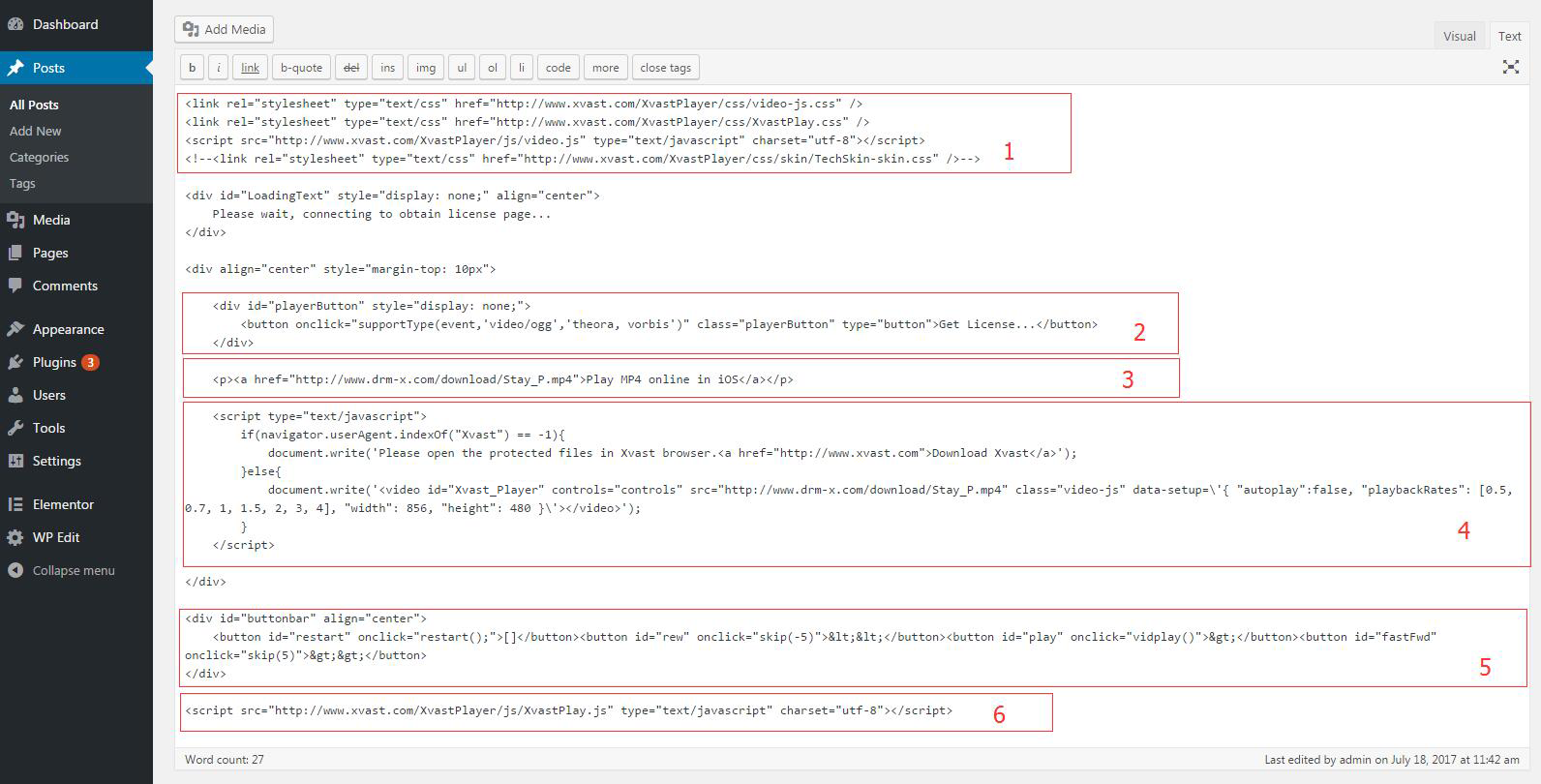
Please add a post or a page in the Control Panel of your website, switch the edit view to "Text" in the editor, copy the code to the editor, and click the Publish button. You can modify the CSS code according to your needs (XvastPlay.css).
1. Video-js.css/video.js is the VideoJS library file. XvastPlayer.css is the HTML5 video player additional style file. 2. Add the player button. If your user has not yet obtained a license, the player button will be displayed. When user clicks it, it will execute the JS event jump to get license page. You can modify XvastPlayer.css according to your need. 3. This part is a video URL for online play or download play in iOS. 4. This part is the HTML5 player (VideoJS) code, use JS to detect whether the user's browser is Xvast, if not, it will prompt the user to use Xvast to access the URL. 5. This part is the player's control button, through the JS code to control the player's fast forward, rewind, play, pause and re-play. (You can use them if you need) 6. Xvast online player's license detection related code.
Download sample code:www.xvast.com/XvastPlayer/Xvast-demo.html (JS and CSS files can be downloaded and placed on your own server)
<link rel="stylesheet" type="text/css" href="https://www.xvast.com/XvastPlayer/css/video-js.css" />
<link rel="stylesheet" type="text/css" href="https://www.xvast.com/XvastPlayer/css/XvastPlay.css" />
<script src="https://www.xvast.com/XvastPlayer/js/video.js" type="text/javascript" charset="utf-8"></script>
<!--<link rel="stylesheet" type="text/css" href="https://www.xvast.com/XvastPlayer/css/skin/TechSkin-skin.css" />-->
<div id="LoadingText" style="display: none;" align="center">
	Please wait, connecting to obtain license page...'
</div>
<div align="center" style="margin-top: 10px">

    <div id="playerButton" style="display: none;">
        <button onclick="supportType(event,'video/ogg','theora, vorbis')" class="playerButton" type="button">Get License...</button>
    </div>

	<p><a href="https://www.drm-x.com/download/drmx4/JesusFilm_en_P.mp4">Play MP4 online in iOS</a></p>

  <script type="text/javascript">
        if(navigator.userAgent.indexOf("Xvast") == -1){
            document.write("Please open the protected files in Xvast browser. Download Xvast");
        }else{
            document.write(' <video id="xvast_player" controls="controls" src="https://www.drm-x.com/download/drmx4/JesusFilm_en_P.mp4" class="video-js" data-setup=\{ "autoplay":false, "playbackRates": [0.5, 0.7, 1, 1.5, 2, 3, 4], "width": 856, "height": 480 }\'>');
        }'
    </script>

</div>
<div id="buttonbar" align="center">
    <button id="restart" onclick="restart();">[]</button><button id="rew" onclick="skip(-5)"></button><button id="play" onclick="vidplay()"></button><button id="fastFwd" onclick="skip(5)"></button>
</div>
<script src="https://www.xvast.com/XvastPlayer/js/XvastPlay.js" type="text/javascript" charset="utf-8"></script>
Other DRM-X 4.0 Tutorials
 DRM-X 4.0 Introduction Video
We through the Video show you the demo how to use DRM-X 4.0 platform, how to settings before encryption and How to encrypt video. We will show you how to play encrypted video.
WATCH NOW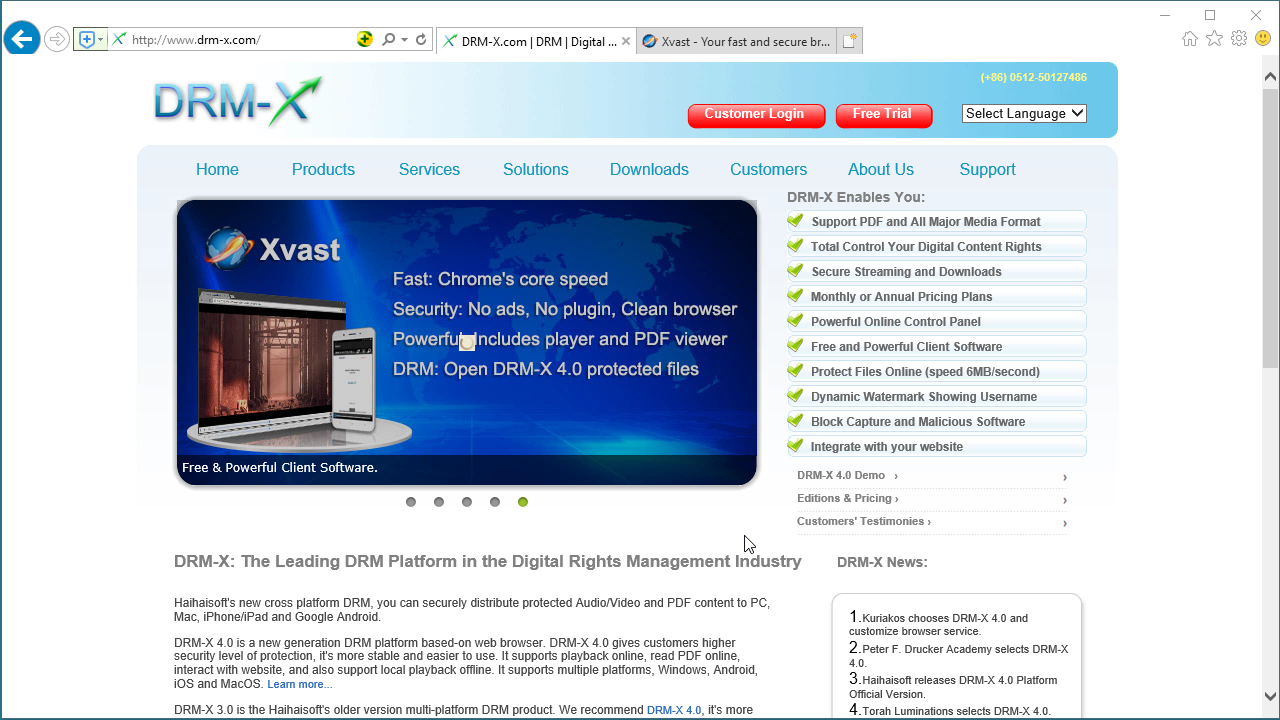 DRM-X 4.0 HTML web page encryption tutorial
With DRM-X 4.0, it encrypts web pages includes html, CSS, JavaScript and images, and control who can view your web content. It stops copying, prevent printing and print screen, and expires content when it should no longer be viewed.
WATCH NOW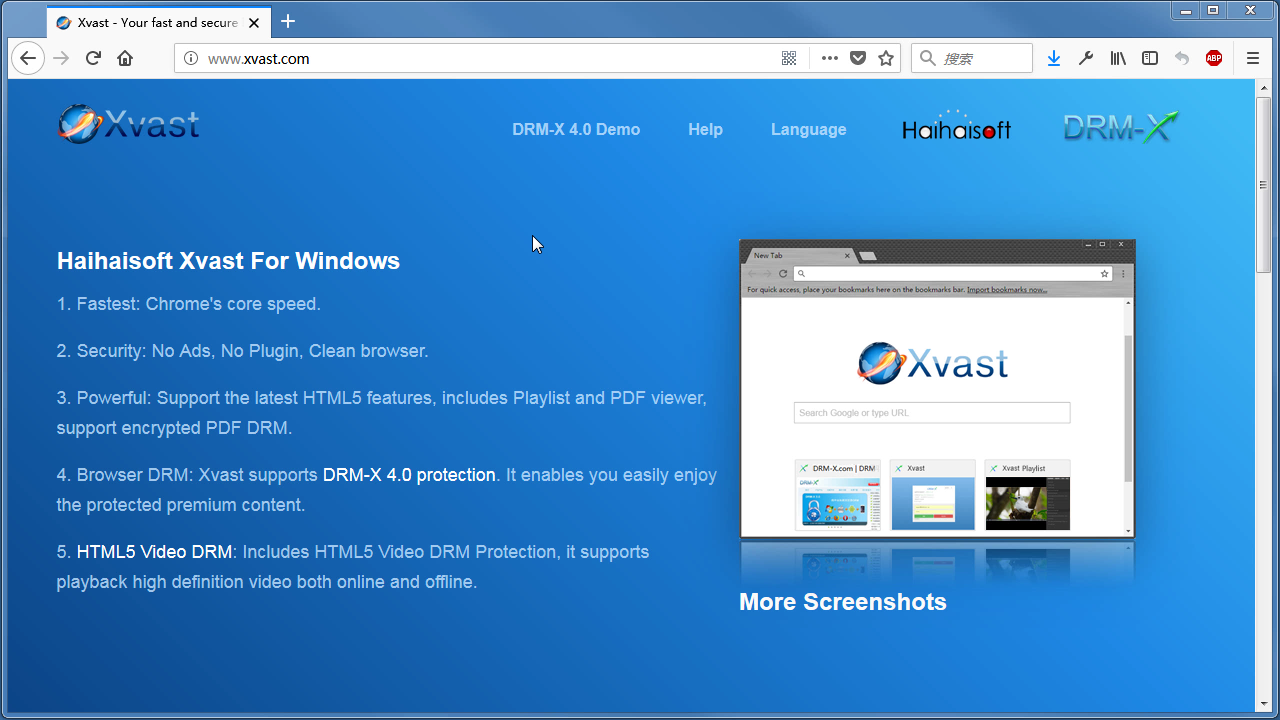 Xvast Windows Video Tutorial
We through the Video show you the demo how to download, install and use Xvast browser, how to open encrypted file and How to solve problems with use.
WATCH NOW DRM-X 4.0 Video Encryption Tutorial
We through the Video show you the demo how to use DRM-X 4.0 platform, how to settings before encryption and How to encrypt video. We will show you how to play encrypted video.
WATCH NOW DRM-X 4.0 integration with WordPress
Custom login page integration is a customer ordered a protected content from your website, when customer plays the content, it will prompt your website customized login page, after customers input Username and Password of your websites account, they will get the license immediately to play the protected file. It requires you create a new DRM login page.
WATCH NOW DRM-X 4.0 Security Settings
When you use DRM-X 4.0 platform, there's something to notice. To make protection safer, please select a series of necessary options to prevent piracy. It's very important to do these settings in the beginning.
WATCH NOWQuestions?
Our reps have answers.
Ask about Haihaisoft products, pricing, implementation, or anything else — our highly trained reps are standing by, ready to help.
Tel: +64 27 507 9959 (New Zealand)
QQ: 1279126286 / 994184623
Contact us on Microsoft Teams
service#haihaisoft.com (replace # into @)
Contact Us