

DRM-X 5.0 Features
Virtual Machine and Cloud PC Protection
DRM-X 5.0 enhances detection and blocking of high-risk environments including virtual machines, cloud PCs, remote desktops, and wireless screen mirroring. By enabling the "Disable Virtual Machine / Wireless Mirroring" option under License Rights, content providers can block all five risk vectors with a single setting—comprehensively reducing the risk of content recording and distribution through virtual environments, remote connections, or external displays.
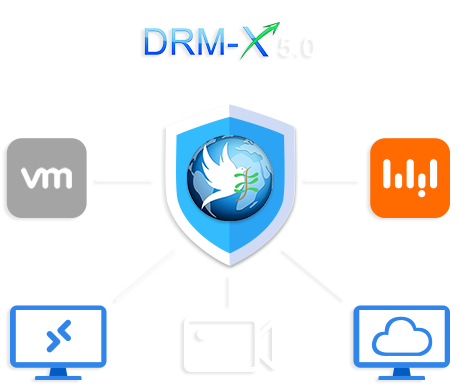
Virtual machines, cloud PCs, remote desktops, and wireless casting provide malicious users with multiple workarounds to bypass traditional anti-screen recording methods. Recording tools running within virtual environments or remote desktops are often undetectable by conventional security mechanisms. The remote rendering architecture of cloud PC platforms like Alibaba Cloud's Elastic Desktop Service (EDS) renders local defense mechanisms ineffective. Furthermore, casting content onto another device via wireless projection for secondary recording represents a stealthy, low-barrier method of piracy. DRM-X 5.0 unifies the management of these high-risk scenarios under a single control switch, drastically reducing configuration costs for content providers.
One Switch, Multiple High-Risk Environments Covered

On the "License Rights" page of the DRM-X 5.0 Control Panel, check the " Disable VMWare, Microsoft Virtual PC, Aliyun Elastic Desktop Service and Wireless Screen Mirroring" option to enable the following five protection features simultaneously:
| Blocked Environment | Description |
|---|---|
| VMware | Blocks access to protected content inside VMware virtual machines |
| Microsoft Virtual PC | Blocks access in Microsoft Virtual PC and similar VM environments |
| Alibaba Elastic Desktop Service | Blocks access in the Alibaba Elastic Desktop Service environment |
| Wireless Screen Mirroring | Prevents protected content from being cast to external screens via wireless protocols |
Block VMware & Microsoft Virtual PC
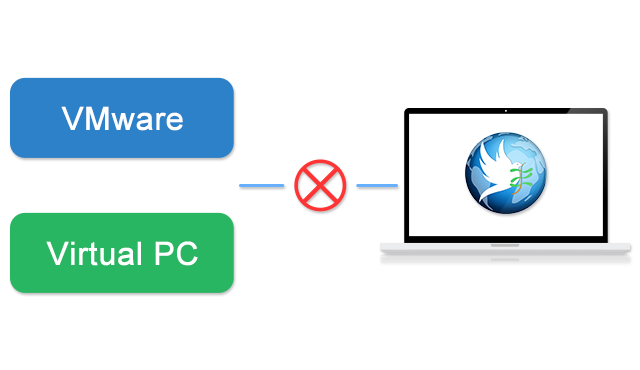
VMware and Microsoft Virtual PC are the most common desktop virtualization tools. Users can run screen recording software inside a VM to bypass host-level protection. When enabled, ZJGet detects the virtual environment and denies content access, effectively closing off this piracy path.
Block Alibaba Elastic Desktop Service
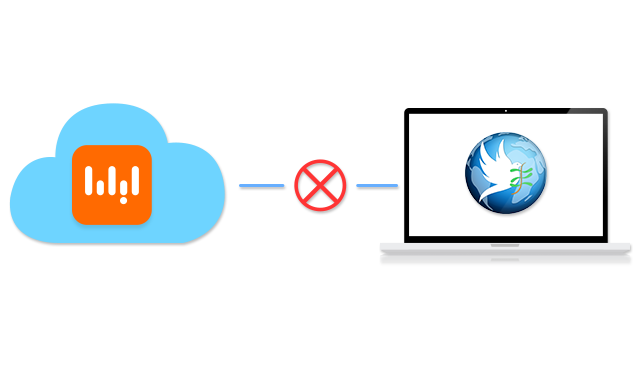
Alibaba Cloud's Elastic Desktop Service (EDS) is currently one of the most widely used cloud PC platforms in China. Its remote rendering and streaming architecture makes traditional local anti-screen recording methods ineffective. DRM-X 5.0 introduces specialized recognition capabilities for the EDS environment. Once this security policy is enabled, if ZJGet detects that a user is accessing protected content within the Elastic Desktop Service environment, it will automatically deny access, helping content providers mitigate recording risks inherent to cloud PC environments.
Block Remote Desktop
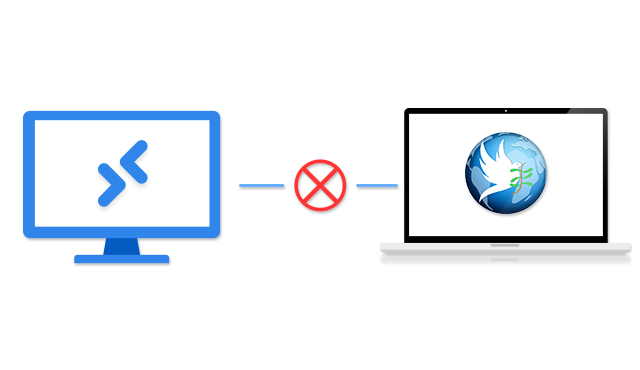
Accessing and recording protected content via Windows Remote Desktop Protocol (RDP) or other remote control tools is a common internal data leakage path in enterprise environments. When enabled, ZJGet detects remote desktop sessions and denies content access, preventing screenshots or recordings through remote connections. This is particularly important for protecting corporate training materials and confidential documents.
Block Wireless Screen Mirroring
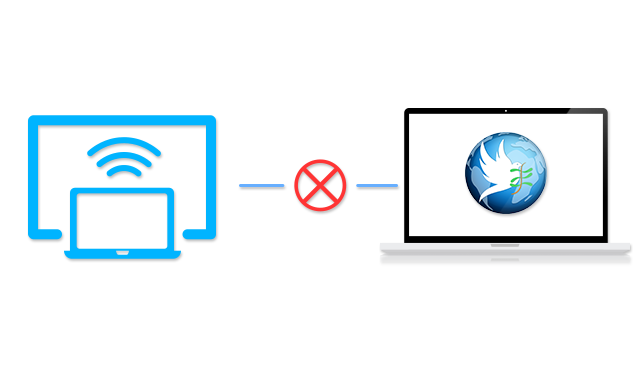
Wireless mirroring protocols such as Miracast and AirPlay allow users to cast their screen to a TV, projector, or other external display for recording—a piracy vector that is difficult to cover with software-layer protection alone. When enabled, ZJGet detects wireless casting and blocks content display at the output source.
Note: Wireless mirroring prevention and the Only one display is allowed feature both restrict display output paths and are complementary. The Only one display is allowed setting is covered on the Display Output Restrictions & Multi-Screen Protection page.
Questions?
Our reps have answers.
Ask about Haihaisoft products, pricing, implementation, or anything else — our highly trained reps are standing by, ready to help.
Contact Us