

DRM-X 5.0 ZJGet FAQ
Welcome to the DRM-X 5.0 ZJGet FAQ. This page answers the most common questions about using ZJGet, including license acquisition, playback issues, network connectivity, and common error messages. Browse the topics below to quickly find solutions to the problems you may encounter while using DRM-X 5.0.
1. Why Am I Asked to Obtain a License Repeatedly?
You can try to delete the license to solve the problem. Refer to: Delete DRM-X 5.0 Licenses
2. Why Can't I Play Protected Content Online and Obtain a License?
- Clear all browser cache. Follow these steps: Open the ZJGet menu -- Delete browsing data -- Advanced -- Set the time range to "All time," then select "Cookies and other site data" and "Cached images and files," and finally click the "Delete data" button.
- If the first step cannot be resolved, please delete the license. Refer to: Delete DRM-X 5.0 Licenses
- Switch to the mobile phone hotspot network and try again.
3. How to Fix "Incorrect Server Content"
Please first check whether the user's login account exists, if the username does not exist, this error will be displayed.
In accordance with the following order to solve, if solved, do not need to the next step.
- Please close the ZJGet and re-open the file to test.
- If the same problem occurs each time you open it, please delete the license. In general, the problem will be solve by obtain new license. Refer to: Delete DRM-X 5.0 Licenses
- Please check the network firewall and add "5.drm-x.com" and "5.drm-x.cn" to allow access.
- If this problem is serious, please contact the content provider, consider cancel the Force Internet. They can cancel the Force Internet in DRM-X 5.0 License Profile settings. The user needs to delete the license, and re-obtain license to take effect.
- Disconnect the network and play the video offline.
- Modify your computer's DNS settings.
4. Error Message: Web content length is 0
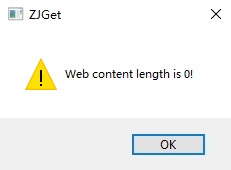
Solution 1: Please check the system network, close Windows Defender, exit the antivirus software, restart the computer, delete the license and reopen the encrypted file and obtain the license.
Solution 2: The content provider modifies the DRM-X 5.0 License Profile settings to cancel the option of Force Internet. Then the user deletes the license and reopens the encrypted file and obtains the license.
Solution 3: Please switch the network, try to connect to the mobile network hotspot in your phone, and then try to open the encrypted file.
5. Why can't I play DRM-X 5.0 content in Chrome or Safari?
DRM-X 5.0 protected content can only be accessed through the ZJGet secure browser. Standard web browsers such as Chrome, Safari, Edge, and Firefox do not support DRM-X 5.0 protected content. Please install ZJGet and use it to open the protected link or file.
Other DRM-X 5.0 Tutorials
 DRM-X 5.0 Introduction Video
DRM-X 5.0 is a new generation of encryption software platform. Haihaisoft provides common DRM-X 5.0 video demo tutorials, including DRM-X 5.0 introduction, video encryption tutorial, webpage encryption tutorial, and how to embed HTML5 video player.
WATCH NOW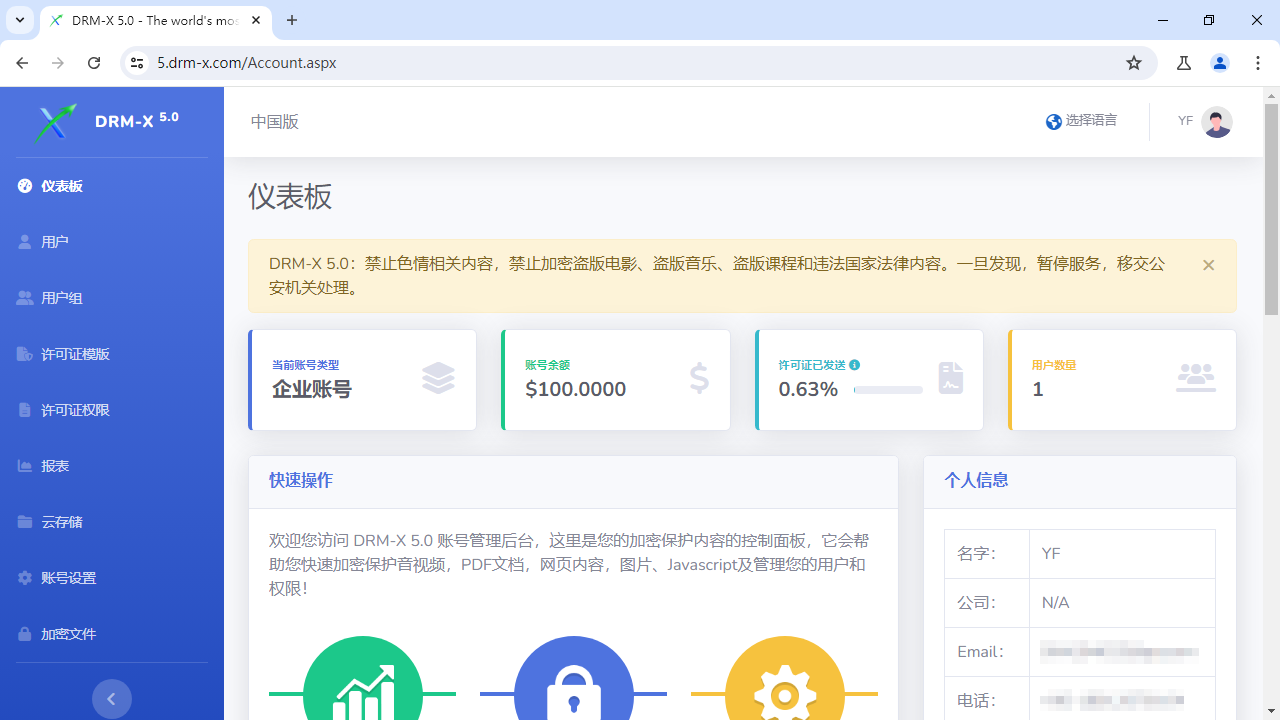 How to Protect Videos with DRM-X 5.0 ZJGet for Windows
This video will demonstrate how to encrypt files on Windows using ZJGet browser.
WATCH NOW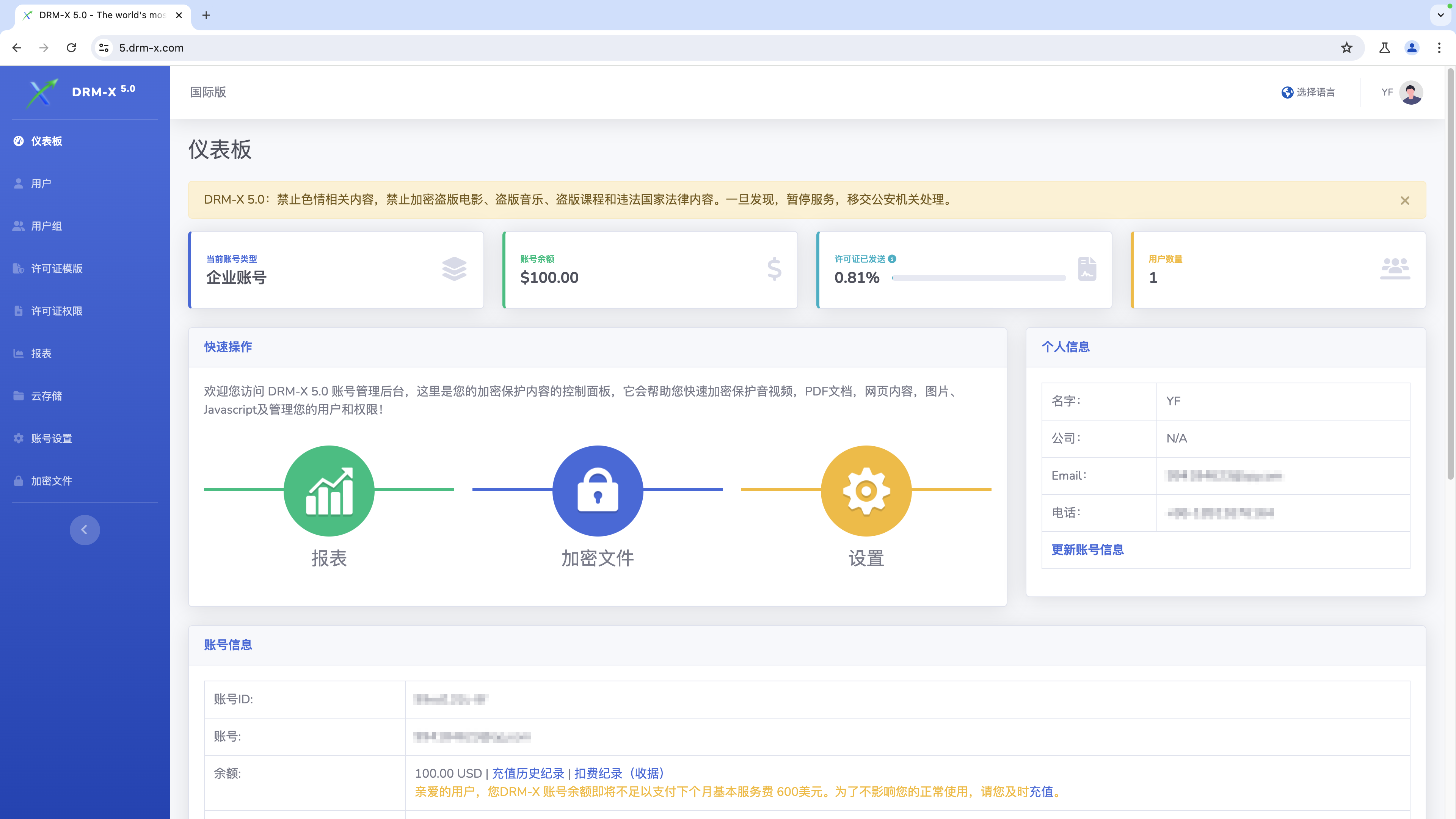 How to Protect Videos with DRM-X 5.0 ZJGet for macOS
This video will demonstrate how to encrypt files on macOS using ZJGet browser.
WATCH NOW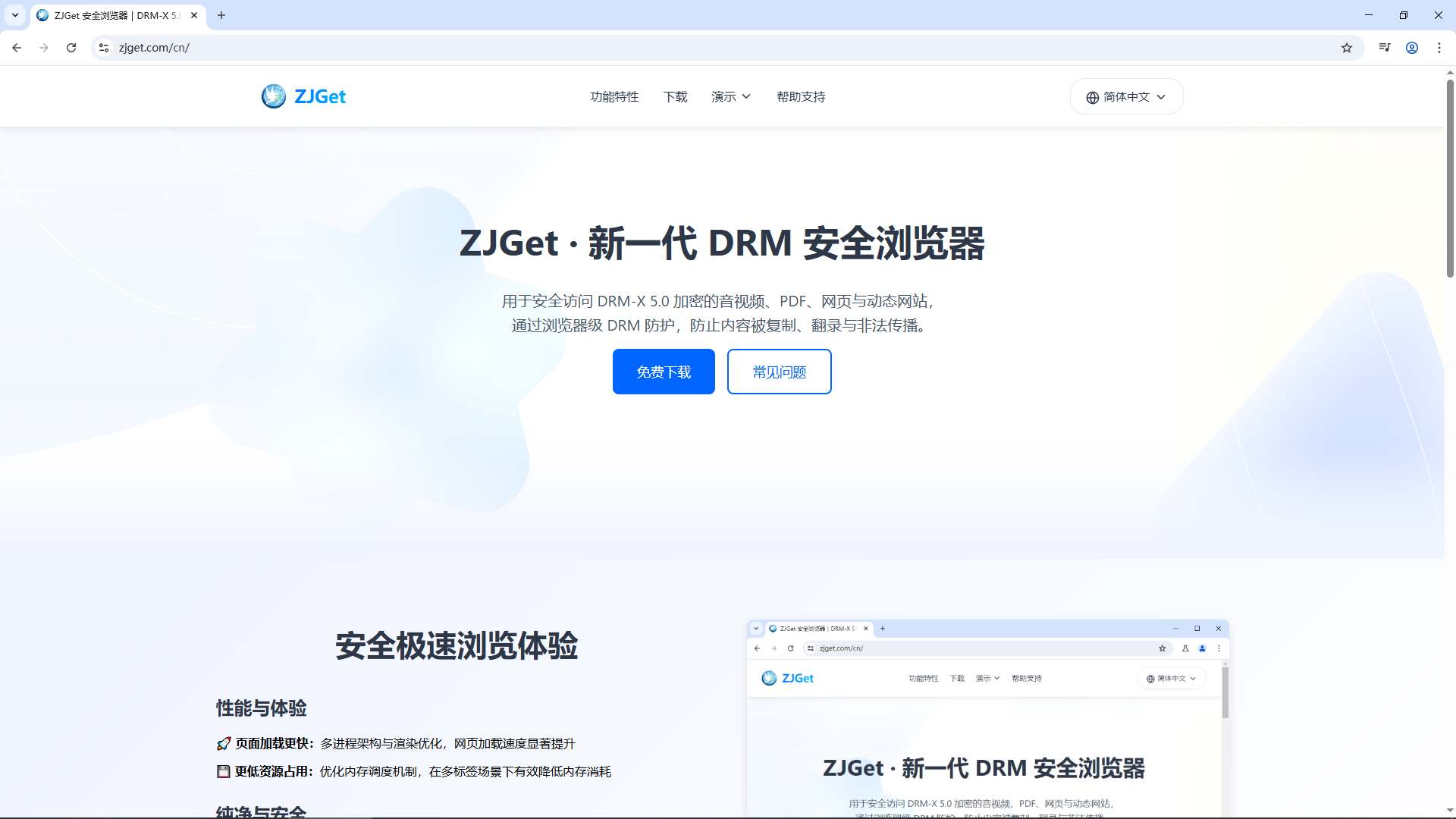 Getting Started with DRM-X 5.0 ZJGet for Windows
This video will show you how to download, install, and open encrypted files on Windows using the ZJGet browser.
WATCH NOW DRM-X 5.0 ZJGet User Guide
ZJGet Browser User Guide. This tutorial will help you easily master the core features and practical tips of the ZJGet browser.
WATCH NOWDRM-X 5.0 ZJGet FAQFrequently Asked Questions (FAQ) about using ZJGet Browser. This section compiles the most useful Q&As to help you overcome any obstacles you may encounter.
WATCH NOWQuestions?
Our reps have answers.
Ask about Haihaisoft products, pricing, implementation, or anything else — our highly trained reps are standing by, ready to help.
Tel: +64 27 507 9959 (New Zealand)
QQ: 1279126286 / 994184623
Contact us on Microsoft Teams
service#haihaisoft.com (replace # into @)
Contact Us